TrenchKit
A downloadable mod for Windows and Linux
Keep your setup organized with profiles, backups, update checks, and conflict detection built in.
KEY FEATURES
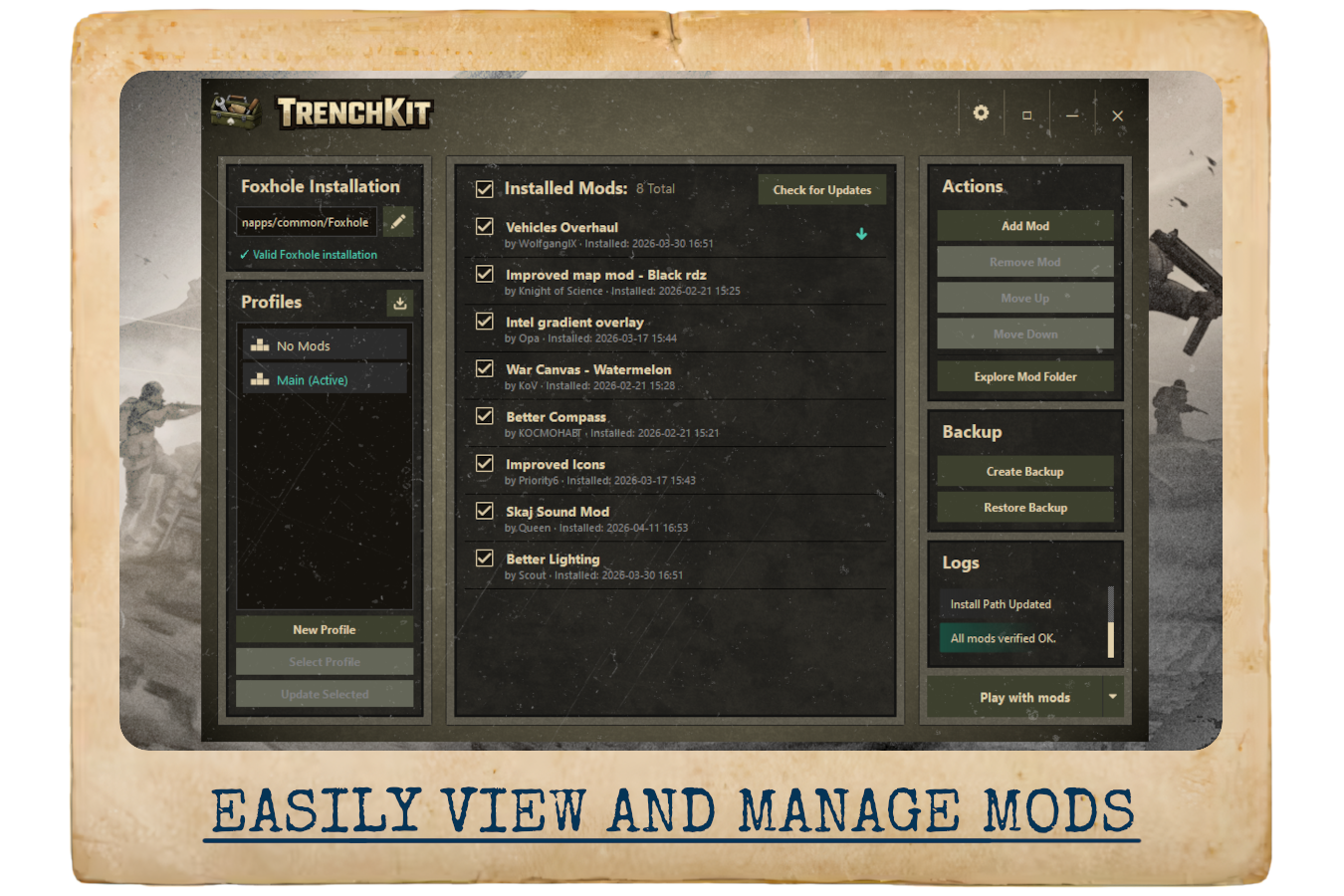
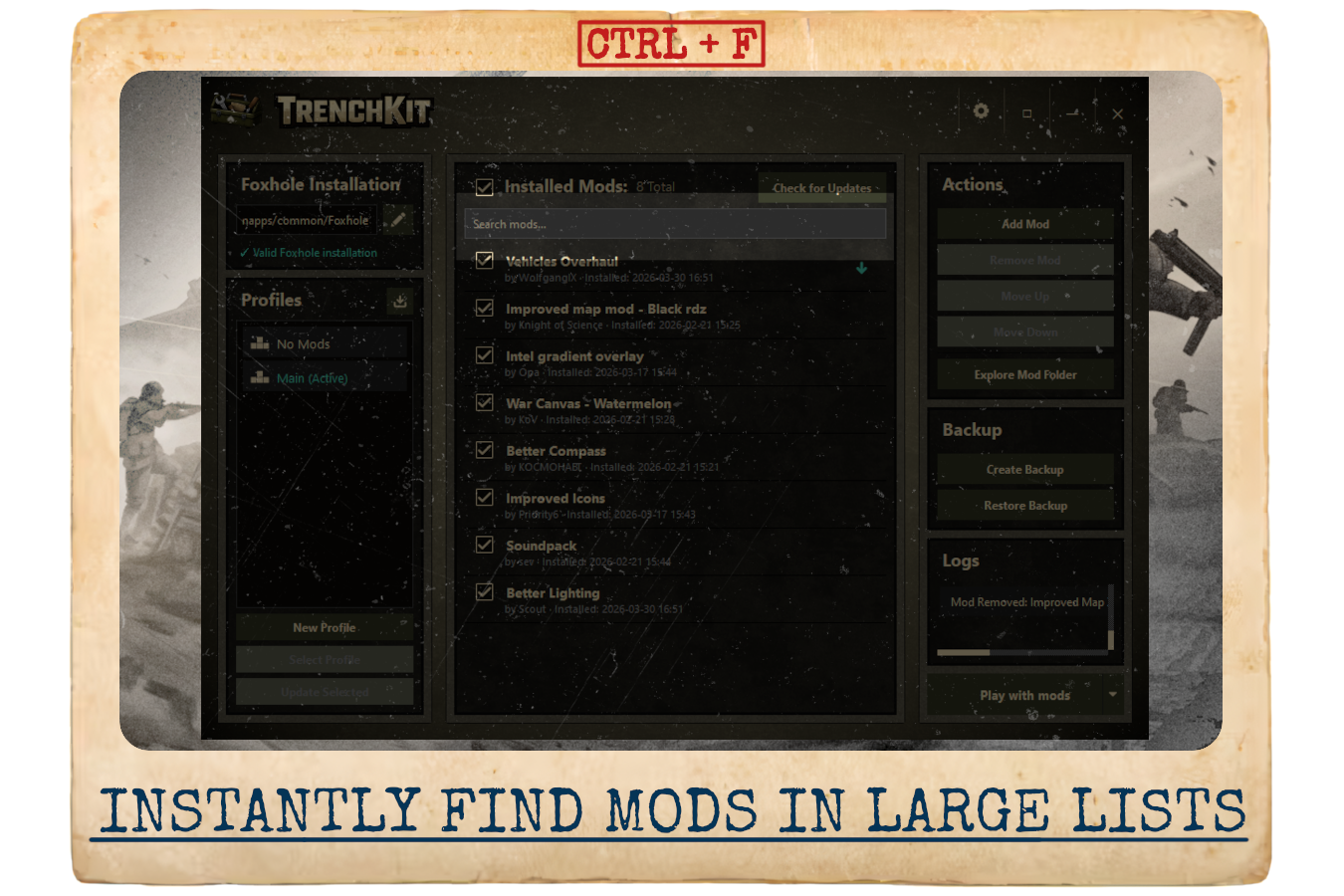
- List installed mods
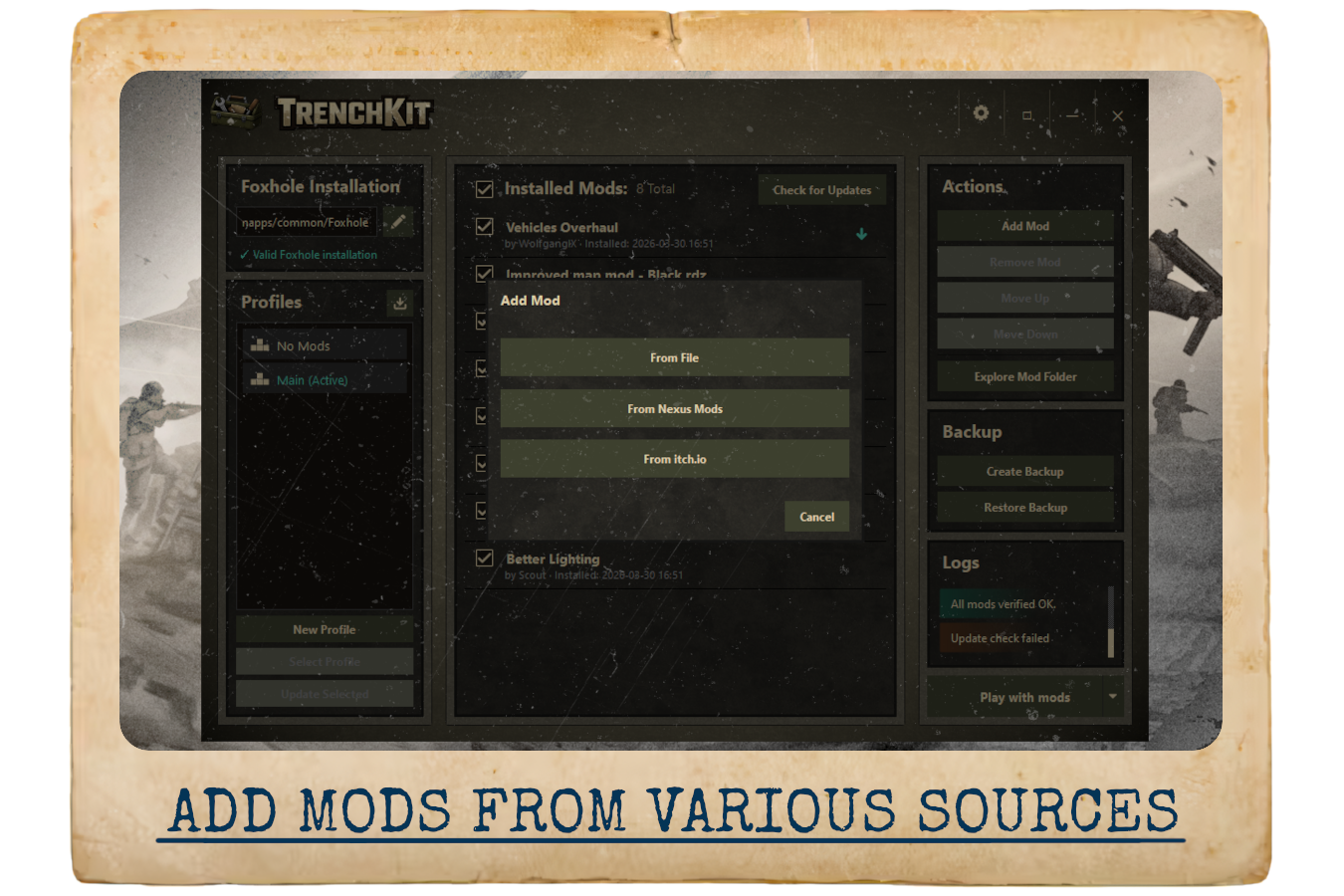
- Install mods from .pak or .zip archives
- Enable / disable mods with a single click
- Save, export, import, and share mod profiles
- Create and restore game backups
- Launch Foxhole with or without mods
- Download mods directly from Nexus Mods and Itch.io
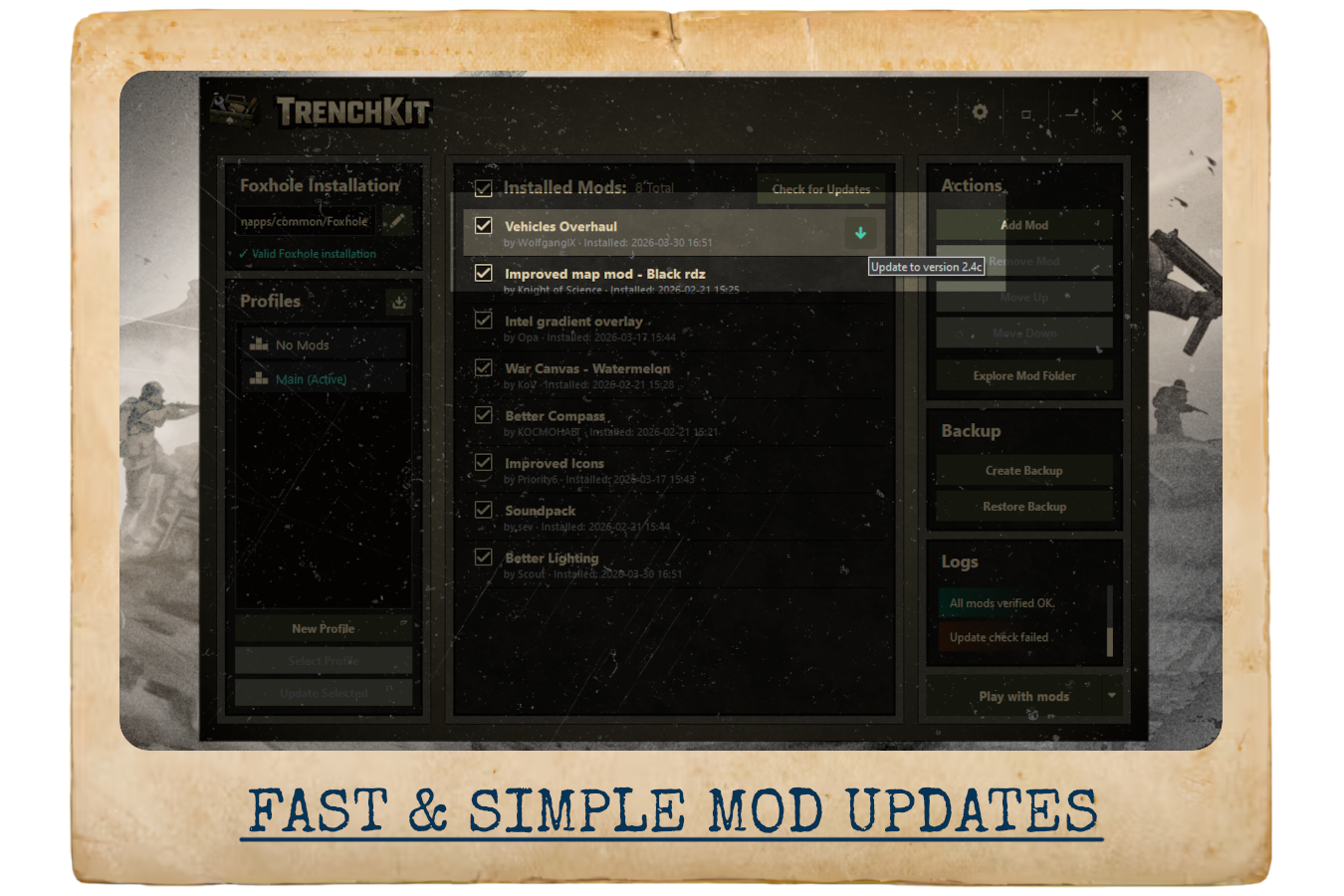
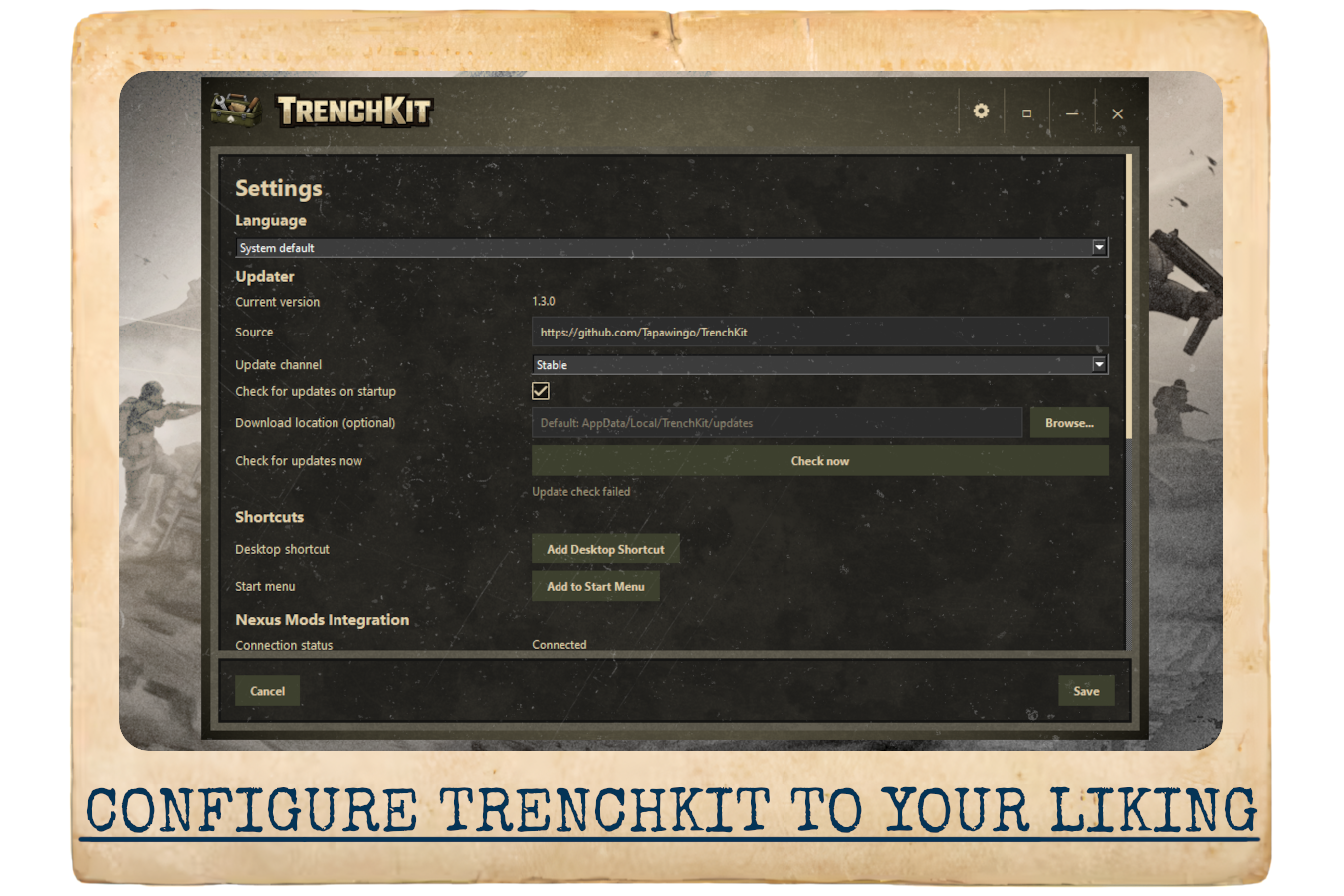
- Built-in mod update checking
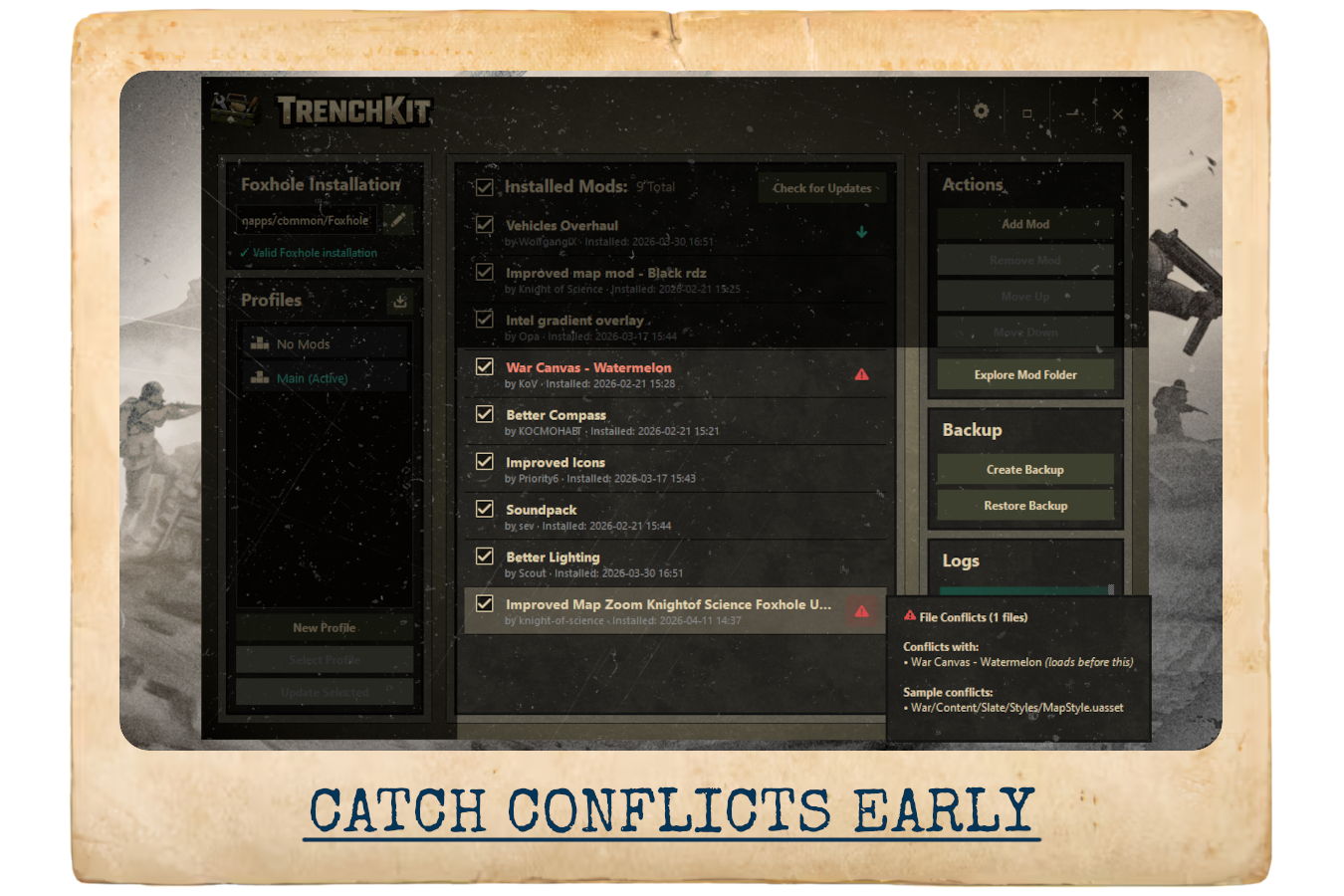
- Built-in mod conflict checking
WHY TRENCHKIT
Foxhole modding has often meant a lot of manual setup: finding the right file, checking for newer versions, replacing older files, and hoping nothing conflicts.
TrenchKit is designed to reduce that friction. It keeps the process more organized, more transparent, and easier to manage over time.
FOR MOD MAKERS
Are you creating mods for Foxhole? Check out MODMAKER.md for detailed guidance on:
- How TrenchKit detects mod updates
- Best practices for version numbering and file naming
- Platform-specific recommendations (Nexus Mods vs Itch.io)
- Edge cases and troubleshooting
- Testing your integration with TrenchKit
This guide helps ensure your users get a smooth update experience!
OPEN-SOURCE & CONTRIBUTIONS
TrenchKit is released under the MIT license and is fully open-source.
Bug reports, feature requests, and pull requests are welcome.
Download
Click download now to get access to the following files:
Leave a comment
Log in with itch.io to leave a comment.